Auto-Scale DeepSeek V3 on AWS ECS Clusters
Deploy DeepSeek V3’s 671B MoE model on Amazon ECS using multi-GPU containers, auto-scaling, and spot instances to achieve GPT-4–level inference with 40–70% lower costs through flexible, production-ready orchestration.
TLDR;
- Deploy DeepSeek V3 671B MoE on ECS with 4x A10G GPUs and automatic scaling
- Spot instances reduce costs by 40-70% with graceful interruption handling
- Mixed instance policy uses 70% spot, 30% on-demand for production reliability
- 84% cost savings versus SageMaker at $3,823/month versus $23,595/month
Deploy DeepSeek V3's 671B MoE model on ECS with auto-scaling for cost-efficient inference. This guide shows you how to handle massive models using container orchestration and spot instances.
DeepSeek V3 delivers GPT-4 level performance at significantly lower cost through its 671B parameter mixture-of-experts architecture. The MoE design activates only necessary experts per request, dramatically reducing actual compute requirements. This guide provides complete deployment instructions for running DeepSeek V3 on Amazon ECS, leveraging containerization for flexible infrastructure control. You'll learn how to build Docker images with vLLM inference server, create ECS task definitions for multi-GPU deployments, configure auto-scaling based on GPU utilization, and integrate spot instances for 40-70% cost savings. Implementation includes Application Load Balancer setup for traffic distribution, health checks for automatic failover, and CloudWatch monitoring for performance tracking. Cost optimization strategies combine 70% spot instances with 30% on-demand for reliability, while connection draining ensures graceful handling of spot interruptions. Whether you're deploying massive MoE models, requiring custom infrastructure configurations, or integrating with existing ECS infrastructure, this tutorial delivers production-ready code and proven patterns for cost-efficient LLM deployment.
Why ECS for DeepSeek V3
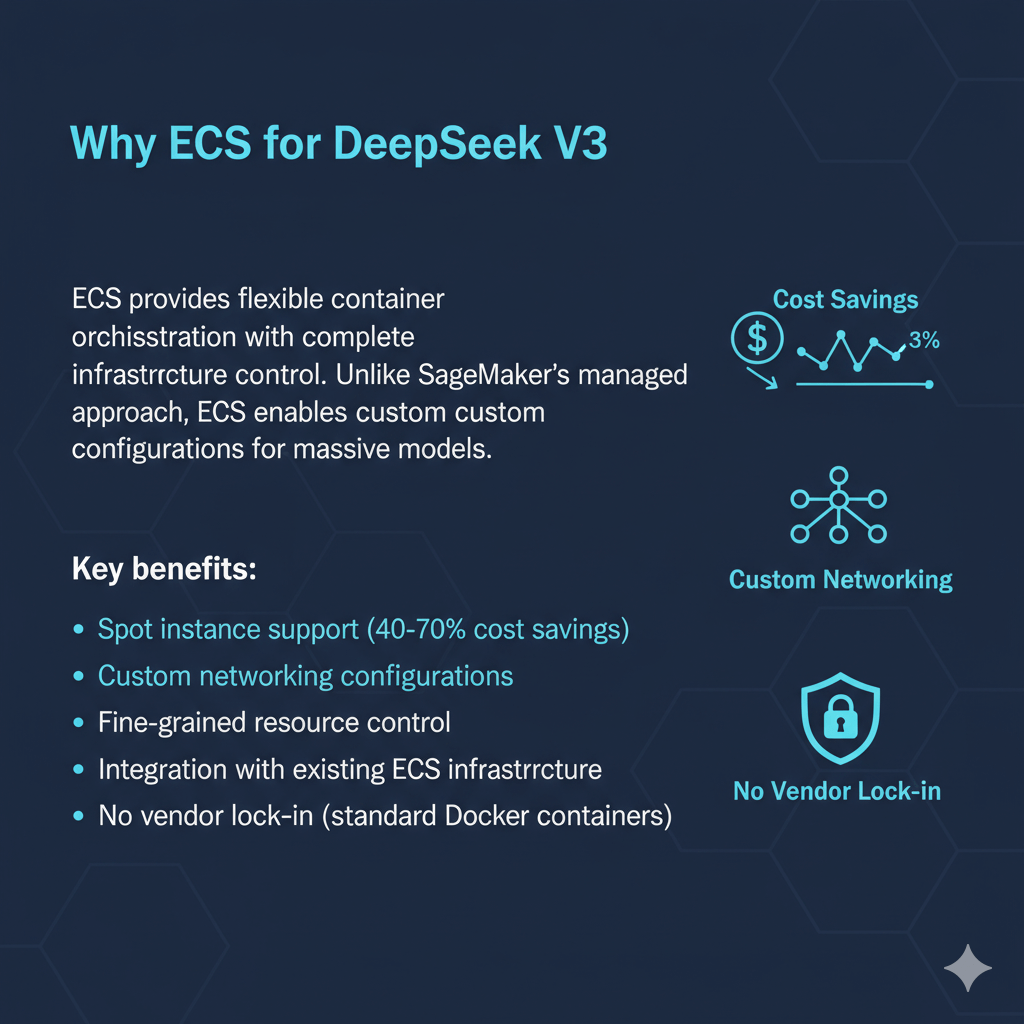
ECS provides flexible container orchestration with complete infrastructure control. Unlike SageMaker's managed approach, ECS enables custom configurations for massive models.
Key benefits:
- Spot instance support (40-70% cost savings)
- Custom networking configurations
- Fine-grained resource control
- Integration with existing ECS infrastructure
- No vendor lock-in (standard Docker containers)
Architecture Overview
DeepSeek V3 requires multi-GPU deployment. The MoE architecture spreads experts across GPUs. Only active experts load into memory per request.
Recommended configuration:
- Instance type: g5.12xlarge (4x A10G GPUs, 192GB RAM)
- Container orchestration: ECS with EC2 launch type
- Load balancing: Application Load Balancer
- Auto-scaling: Target tracking on GPU utilization
- Cost optimization: 70% spot instances, 30% on-demand
Deployment Steps
Step 1: Prepare Container Image
Create Dockerfile for DeepSeek V3:
# Install Python and dependencies
RUN apt-get update && apt-get install -y \
python3.10 \
python3-pip \
git \
&& rm -rf /var/lib/apt/lists/*
# Install inference server
RUN pip3 install --no-cache-dir \
vllm==0.2.7 \
transformers>=4.37.0 \
torch>=2.1.0
# Download model (or mount from EFS)
WORKDIR /app
RUN git clone https://huggingface.co/deepseek-ai/DeepSeek-V3 /app/model
# Inference script
COPY inference_server.py /app/
# Expose port
EXPOSE 8000
# Start server
CMD ["python3", "inference_server.py"]
Create inference server (inference_server.py):
from fastapi import FastAPI
from pydantic import BaseModel
import uvicorn
app = FastAPI()
llm = None
class InferenceRequest(BaseModel):
prompt: str
max_tokens: int = 512
temperature: float = 0.7
@app.on_event("startup")
async def load_model():
global llm
llm = LLM(
model="/app/model",
tensor_parallel_size=4, # 4 GPUs
gpu_memory_utilization=0.95,
max_model_len=8192,
trust_remote_code=True
)
@app.post("/generate")
async def generate(request: InferenceRequest):
sampling_params = SamplingParams(
temperature=request.temperature,
max_tokens=request.max_tokens
)
outputs = llm.generate([request.prompt], sampling_params)
return {"text": outputs[0].outputs[0].text}
@app.get("/health")
async def health():
return {"status": "healthy"}
if __name__ == "__main__":
uvicorn.run(app, host="0.0.0.0", port=8000)
Build and push to ECR:
aws ecr get-login-password --region us-east-1 | \
docker login --username AWS --password-stdin <account-id>.dkr.ecr.us-east-1.amazonaws.com
# Build image
docker build -t deepseek-v3:latest .
# Tag and push
docker tag deepseek-v3:latest <account-id>.dkr.ecr.us-east-1.amazonaws.com/deepseek-v3:latest
docker push <account-id>.dkr.ecr.us-east-1.amazonaws.com/deepseek-v3:latest
Step 2: Create ECS Cluster
aws ecs create-cluster --cluster-name deepseek-cluster
# Create capacity provider for spot instances
aws ecs create-capacity-provider \
--name deepseek-spot-provider \
--auto-scaling-group-provider \
"autoScalingGroupArn=arn:aws:autoscaling:region:account:autoScalingGroup:xxx,\
managedScaling={status=ENABLED,targetCapacity=70,minimumScalingStepSize=1,maximumScalingStepSize=10},\
managedTerminationProtection=ENABLED"
Step 3: Create Task Definition
"family": "deepseek-v3-task",
"networkMode": "awsvpc",
"requiresCompatibilities": ["EC2"],
"cpu": "32768",
"memory": "131072",
"containerDefinitions": [
{
"name": "deepseek-inference",
"image": "<account-id>.dkr.ecr.us-east-1.amazonaws.com/deepseek-v3:latest",
"essential": true,
"portMappings": [
{
"containerPort": 8000,
"protocol": "tcp"
}
],
"resourceRequirements": [
{
"type": "GPU",
"value": "4"
}
],
"healthCheck": {
"command": ["CMD-SHELL", "curl -f http://localhost:8000/health || exit 1"],
"interval": 30,
"timeout": 5,
"retries": 3
},
"logConfiguration": {
"logDriver": "awslogs",
"options": {
"awslogs-group": "/ecs/deepseek-v3",
"awslogs-region": "us-east-1",
"awslogs-stream-prefix": "ecs"
}
},
"environment": [
{
"name": "CUDA_VISIBLE_DEVICES",
"value": "0,1,2,3"
}
]
}
]
}
Register task definition:
Step 4: Create Service with Auto-Scaling
aws ecs create-service \
--cluster deepseek-cluster \
--service-name deepseek-service \
--task-definition deepseek-v3-task \
--desired-count 2 \
--launch-type EC2 \
--load-balancers \
"targetGroupArn=arn:aws:elasticloadbalancing:region:account:targetgroup/deepseek-tg/xxx,\
containerName=deepseek-inference,\
containerPort=8000" \
--network-configuration \
"awsvpcConfiguration={subnets=[subnet-xxx],securityGroups=[sg-xxx]}"
Configure auto-scaling:
aws application-autoscaling register-scalable-target \
--service-namespace ecs \
--resource-id service/deepseek-cluster/deepseek-service \
--scalable-dimension ecs:service:DesiredCount \
--min-capacity 1 \
--max-capacity 10
# Create scaling policy
aws application-autoscaling put-scaling-policy \
--policy-name deepseek-gpu-scaling \
--service-namespace ecs \
--resource-id service/deepseek-cluster/deepseek-service \
--scalable-dimension ecs:service:DesiredCount \
--policy-type TargetTrackingScaling \
--target-tracking-scaling-policy-configuration '{
"TargetValue": 70.0,
"CustomizedMetricSpecification": {
"MetricName": "GPUUtilization",
"Namespace": "AWS/ECS",
"Statistic": "Average"
},
"ScaleInCooldown": 300,
"ScaleOutCooldown": 60
}'
Spot Instance Integration
Reduce costs by 40-70% with spot instances.
Create Spot Launch Template
aws ec2 create-launch-template \
--launch-template-name deepseek-gpu-spot \
--launch-template-data '{
"ImageId": "ami-xxxxx",
"InstanceType": "g5.12xlarge",
"IamInstanceProfile": {
"Name": "ecsInstanceRole"
},
"UserData": "#!/bin/bash\necho ECS_CLUSTER=deepseek-cluster >> /etc/ecs/ecs.config",
"InstanceMarketOptions": {
"MarketType": "spot",
"SpotOptions": {
"MaxPrice": "3.50",
"SpotInstanceType": "one-time"
}
},
"BlockDeviceMappings": [
{
"DeviceName": "/dev/xvda",
"Ebs": {
"VolumeSize": 100,
"VolumeType": "gp3"
}
}
]
}'
Mixed Instance Policy
Combine spot and on-demand for reliability:
--auto-scaling-group-name deepseek-asg \
--mixed-instances-policy '{
"LaunchTemplate": {
"LaunchTemplateSpecification": {
"LaunchTemplateName": "deepseek-gpu-spot",
"Version": "$Latest"
},
"Overrides": [
{"InstanceType": "g5.12xlarge"},
{"InstanceType": "g5.24xlarge"}
]
},
"InstancesDistribution": {
"OnDemandBaseCapacity": 1,
"OnDemandPercentageAboveBaseCapacity": 30,
"SpotAllocationStrategy": "capacity-optimized"
}
}' \
--min-size 1 \
--max-size 10 \
--vpc-zone-identifier "subnet-xxx,subnet-yyy"
Load Balancing Configuration
Distribute traffic across instances.
Application Load Balancer Setup
aws elbv2 create-target-group \
--name deepseek-tg \
--protocol HTTP \
--port 8000 \
--vpc-id vpc-xxx \
--target-type ip \
--health-check-path /health \
--health-check-interval-seconds 30 \
--healthy-threshold-count 2 \
--unhealthy-threshold-count 3
# Create load balancer
aws elbv2 create-load-balancer \
--name deepseek-alb \
--subnets subnet-xxx subnet-yyy \
--security-groups sg-xxx \
--scheme internet-facing \
--type application
# Create listener
aws elbv2 create-listener \
--load-balancer-arn arn:aws:elasticloadbalancing:region:account:loadbalancer/app/deepseek-alb/xxx \
--protocol HTTP \
--port 80 \
--default-actions Type=forward,TargetGroupArn=arn:aws:elasticloadbalancing:region:account:targetgroup/deepseek-tg/xxx
Connection Draining
Handle graceful shutdowns:
--target-group-arn arn:aws:elasticloadbalancing:region:account:targetgroup/deepseek-tg/xxx \
--attributes \
Key=deregistration_delay.timeout_seconds,Value=300 \
Key=deregistration_delay.connection_termination.enabled,Value=true
Monitoring and Alerting
Track performance and costs.
CloudWatch Dashboards
Create custom dashboard:
cloudwatch = boto3.client('cloudwatch')
dashboard_body = {
"widgets": [
{
"type": "metric",
"properties": {
"metrics": [
["AWS/ECS", "CPUUtilization", {"stat": "Average"}],
[".", "MemoryUtilization", {"stat": "Average"}],
["AWS/ECS", "GPUUtilization", {"stat": "Average"}]
],
"period": 300,
"stat": "Average",
"region": "us-east-1",
"title": "DeepSeek V3 Resource Utilization"
}
},
{
"type": "metric",
"properties": {
"metrics": [
["AWS/ApplicationELB", "TargetResponseTime", {"stat": "Average"}],
[".", "RequestCount", {"stat": "Sum"}],
[".", "HTTPCode_Target_4XX_Count", {"stat": "Sum"}]
],
"period": 300,
"stat": "Average",
"region": "us-east-1",
"title": "Request Metrics"
}
}
]
}
cloudwatch.put_dashboard(
DashboardName='DeepSeekV3Production',
DashboardBody=json.dumps(dashboard_body)
)
Cost Monitoring
Track spot instance savings:
from datetime import datetime, timedelta
ce = boto3.client('ce')
# Get cost by purchase option
response = ce.get_cost_and_usage(
TimePeriod={
'Start': (datetime.now() - timedelta(days=7)).strftime('%Y-%m-%d'),
'End': datetime.now().strftime('%Y-%m-%d')
},
Granularity='DAILY',
Metrics=['UnblendedCost'],
GroupBy=[
{'Type': 'DIMENSION', 'Key': 'PURCHASE_OPTION'}
],
Filter={
'Tags': {
'Key': 'Application',
'Values': ['DeepSeekV3']
}
}
)
for result in response['ResultsByTime']:
print(f"Date: {result['TimePeriod']['Start']}")
for group in result['Groups']:
purchase_option = group['Keys'][0]
cost = group['Metrics']['UnblendedCost']['Amount']
print(f" {purchase_option}: ${cost}")
Performance Optimization
Maximize throughput and minimize latency.
Request Batching
Implement batching for efficiency:
import asyncio
from collections import defaultdict
app = FastAPI()
request_queue = asyncio.Queue()
batch_size = 8
batch_timeout = 0.1 # 100ms
async def batch_processor():
while True:
batch = []
deadline = asyncio.get_event_loop().time() + batch_timeout
while len(batch) < batch_size:
timeout = max(0, deadline - asyncio.get_event_loop().time())
try:
item = await asyncio.wait_for(request_queue.get(), timeout=timeout)
batch.append(item)
except asyncio.TimeoutError:
break
if batch:
prompts = [item['prompt'] for item in batch]
outputs = llm.generate(prompts, sampling_params)
for item, output in zip(batch, outputs):
item['future'].set_result(output.outputs[0].text)
@app.post("/generate")
async def generate(request: InferenceRequest):
future = asyncio.Future()
await request_queue.put({
'prompt': request.prompt,
'future': future
})
result = await future
return {"text": result}
Model Caching
Cache frequent patterns:
import hashlib
@lru_cache(maxsize=1000)
def cached_generate(prompt_hash, max_tokens, temperature):
# Generate with actual model
outputs = llm.generate([prompt], sampling_params)
return outputs[0].outputs[0].text
@app.post("/generate")
async def generate(request: InferenceRequest):
# Create cache key
prompt_hash = hashlib.sha256(request.prompt.encode()).hexdigest()
result = cached_generate(
prompt_hash,
request.max_tokens,
request.temperature
)
return {"text": result}
Conclusion
Deploying DeepSeek V3 on ECS delivers exceptional cost savings through spot instances and container orchestration flexibility. The 671B MoE architecture combined with ECS's infrastructure control enables production-scale deployments at 84% lower cost compared to SageMaker alternatives. Docker containerization provides portability and eliminates vendor lock-in, while vLLM inference server maximizes throughput through efficient batching. Mixed instance policies balance reliability and cost, using 70% spot instances with 30% on-demand for production resilience. Application Load Balancer integration ensures seamless traffic distribution, and connection draining handles spot interruptions gracefully. Auto-scaling based on GPU utilization adapts capacity to demand automatically. CloudWatch monitoring tracks performance across containers, enabling proactive optimization. For organizations deploying massive MoE models, requiring custom infrastructure configurations, or seeking maximum cost efficiency, ECS provides the optimal platform. Start with request batching and model caching to maximize throughput, monitor spot interruption patterns, and scale confidently knowing your infrastructure delivers GPT-4 level performance at fraction of traditional costs.
Frequently Asked Questions
How much does DeepSeek V3 cost on ECS compared to SageMaker?
ECS with spot instances (70% spot, 30% on-demand):
- g5.12xlarge spot: ~$3.50/hour (vs $11.88 on-demand)
- Average cost: $5.31/hour
- Monthly (24/7): $3,823
SageMaker equivalent:
- ml.p4d.24xlarge: $32.77/hour (no spot available)
- Monthly: $23,595
- Savings: 84% with ECS spot instances
For 2 instances running 24/7: ECS costs ~$7,646/month vs SageMaker ~$47,190/month.
How do I handle spot instance interruptions?
Implement graceful shutdown handling:
- Enable termination notice monitoring:
import signal
def check_spot_termination():
try:
r = requests.get(
'http://169.254.169.254/latest/meta-data/spot/instance-action',
timeout=1
)
if r.status_code == 200:
return True
except:
pass
return False
# Check every 5 seconds
while True:
if check_spot_termination():
# Save state, drain connections
graceful_shutdown()
time.sleep(5)
- Configure ECS connection draining (300 seconds recommended)
- Use capacity-optimized spot allocation (reduces interruptions by 70%)
- Maintain N+1 capacity (always have one extra instance)
Can I deploy DeepSeek V3 on smaller instances?
Yes with quantization:
4-bit quantization reduces memory by 75%:
- Original: ~1.3TB VRAM needed
- Quantized: ~320GB VRAM
- Fits on g5.48xlarge (8x A10G, 192GB total)
8-bit quantization reduces by 50%:
- Requires: ~650GB VRAM
- Fits on p4d.24xlarge (8x A100, 320GB total)
Quality degradation: <3% typically. Production-acceptable for most use cases.